From script to video | Automating creation with LLM chaining
- Client work
In January 2025, I decided to learn how to build AI services into my programming projects, with one goal: sharpen my technical skills to land an apprenticeship in January 2026.
In July 2025, that effort paid off with my first client project, built around a clear need: fully automating YouTube video production. This contract let me set up my own freelance business (auto-entreprise) in AI development, and earn France’s National Student-Entrepreneur Status (SNEE).
To solve this, I designed a system based on LLM chaining, which works a lot like an industrial assembly line. Starting from an initial piece of text, each step of the pipeline transforms the information until it is finally published.
Pipeline
The pipeline is orchestrated in seven key steps, written in Python.
Topic extraction
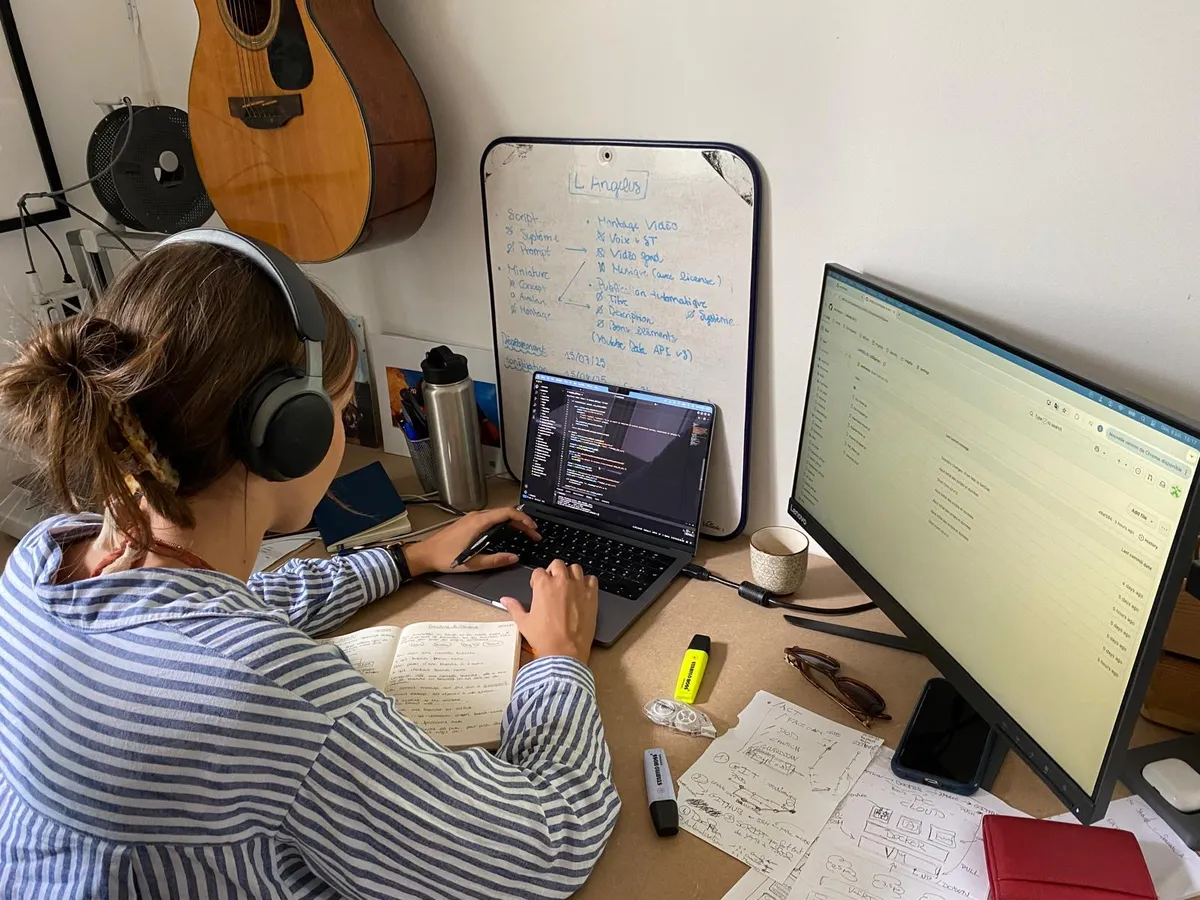
The process starts by fetching the topic of the day. To automate this input, I wrote a program using the Pandas library that pulls, from an Excel file, exactly the topic matching today’s date. That way, the pipeline always has a theme to work on.
Script generation
Once the topic is fetched, it has to be turned into a narrative script. The system injects it into a structured prompt sent to OpenAI’s GPT-4.1 API. The generated script, which now forms the backbone of the video, is automatically saved to a text file for the next steps.
Voice-over generation
Now that the script exists, the video needs its voice-over.
For this, I chose ElevenLabs, whose models offer highly realistic voices, a wide choice of languages and a cost that works for an automated pipeline.
The ElevenLabs API generates the voice-over from the given parameters (script, voice ID, model ID). The audio comes back base64-encoded, so I added a decoding step to get a usable binary file, here an MP3.
Subtitle retrieval
To get ahead of editing needs, I chose to grab the subtitles at the same time as the voice-over is created. Using ElevenLabs’ with-timestamps endpoint, the system gets word-by-word timing alignment. This data is then processed into readable segments and compiled into an .ass file that follows the client’s typography requirements.
Video editing
To give the client maximum flexibility, I split the video editing step into two distinct formats.
The first format is deliberately minimalist: landscapes scroll in the background, with subtitles on top. The idea is to put the focus on the message rather than the visuals.
For this, I built a system that:
- Picks background videos at random, based on the length of the voice-over. Each clip’s duration is analyzed with FFprobe.
- Concatenates the clips with fade transitions.
- Layers the voice-over (MP3), the subtitles (.ass) and background music.
- Adds a predefined intro or outro, depending on the client’s needs.
All of this processing is automated with FFmpeg.
The second format offers an alternative to classic video shooting: the script is delivered by an AI avatar.
This automation is built on the HeyGen API, one of the most advanced avatar generation technologies out there.
The system feeds the voice-over generated earlier (via ElevenLabs in step 2) to the HeyGen platform, which automatically syncs the avatar’s movements with the audio. The avatar’s look can be customized through a preconfigured avatar ID, choosing between an animated 3D avatar or an animated photo depending on the format.
Thumbnail creation
To create the video thumbnail, I set up a process using reference images generated by Sora (OpenAI). From that base, I use the Pillow library to apply visual filters and overlay text that fits the content.
Video title and description generation
To finish the video, I automated the title and description. From the topic in the Excel file, a prompt is built and sent to OpenAI’s GPT-4.1 API, which directly produces the publishing metadata.
Uploading to YouTube
Now that all the data has been generated, we can move on to the last link in the chain: uploading the video to YouTube.
For this, I integrated the YouTube Data v3 API, accessed through Google OAuth 2.0 authentication. The system then automatically uploads the final video along with its thumbnail, metadata and scheduled publishing time.
Deployment
To deploy the system, I went with a containerized architecture based on Docker to keep environments portable and reproducible.
To slim down the final image, I set up a multi-stage build, separating the dependency build stage from the runtime stage.
To secure access and keep data persistent, I mounted secrets and configuration files through Docker volumes.
I then hosted the whole setup on a Hetzner dedicated server. To make running the services easier, I use Docker Compose, which lets me manage dependencies between services and trigger deployments either manually or automatically.
Finally, I set up a GitHub Actions workflow with cron jobs that automatically triggers the pipeline on the server over SSH. This guarantees content gets published on a regular schedule, with no manual work.
Takeaways
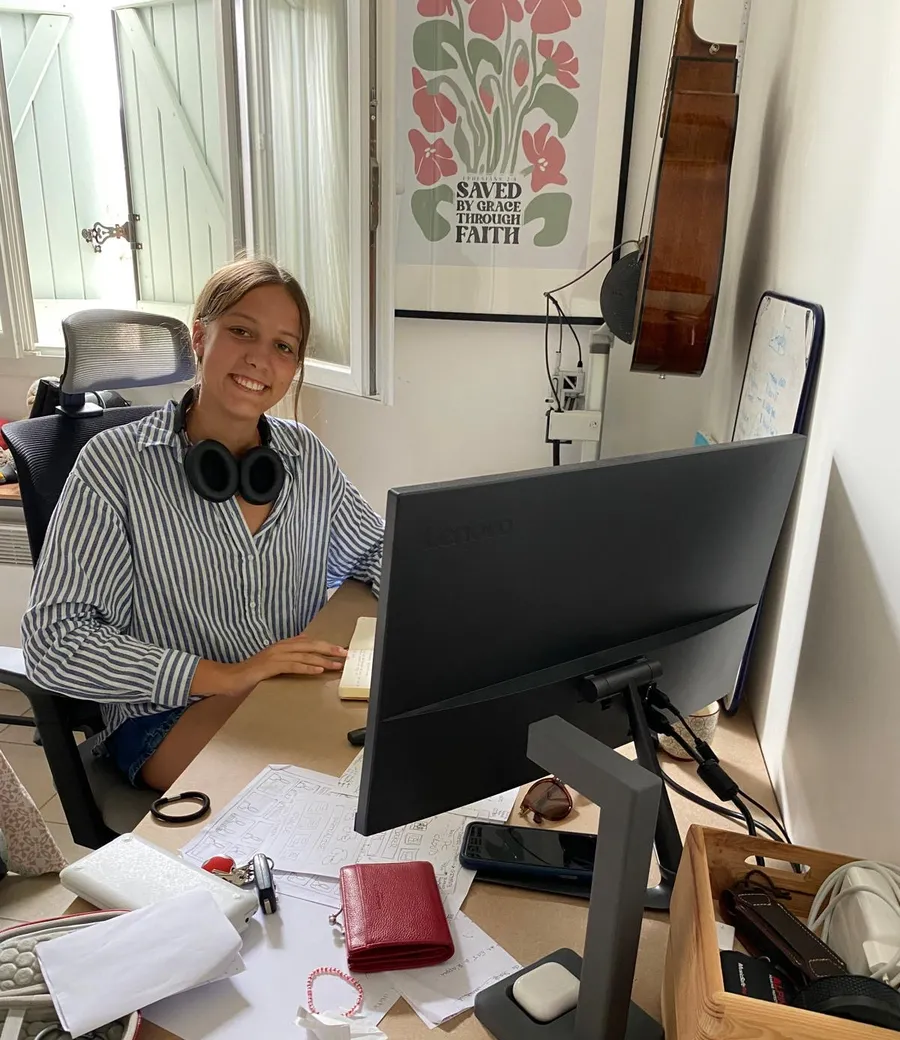
By meeting a real client need, this project was a defining step in my journey. It helped me strengthen my skills in AI system architecture, complex pipeline automation and Python programming, while introducing me to professional deployment practices (Docker, CI/CD, orchestration).
Beyond the technical side, this experience gave me a taste of the realities of client project management: understanding the need, delivering reliable work and meeting production constraints.